

The administration app for clubs, groups, teams, and associations.
Get started now

.webp)

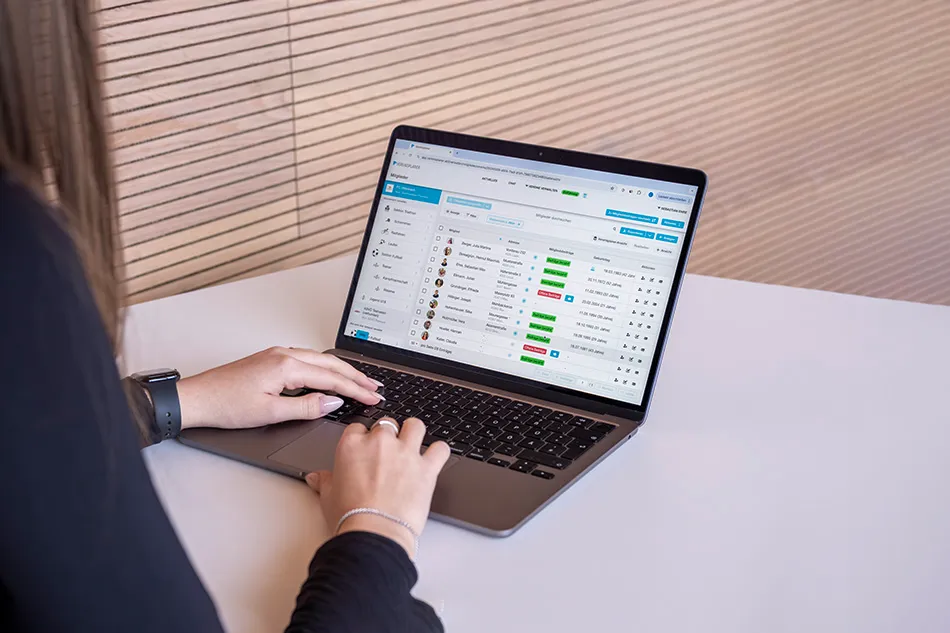
Managing a club efficiently and error-free is a common goal. In this post, we show you how to implement Vereinsplaner step-by-step to achieve exactly that.
In this guide, we will walk you through the step-by-step process of setting up Vereinsplaner quickly and efficiently for your club. Along the way, we’ll share tips on what to look for when searching for members and how to save significant time on club administration and reporting data to your club.
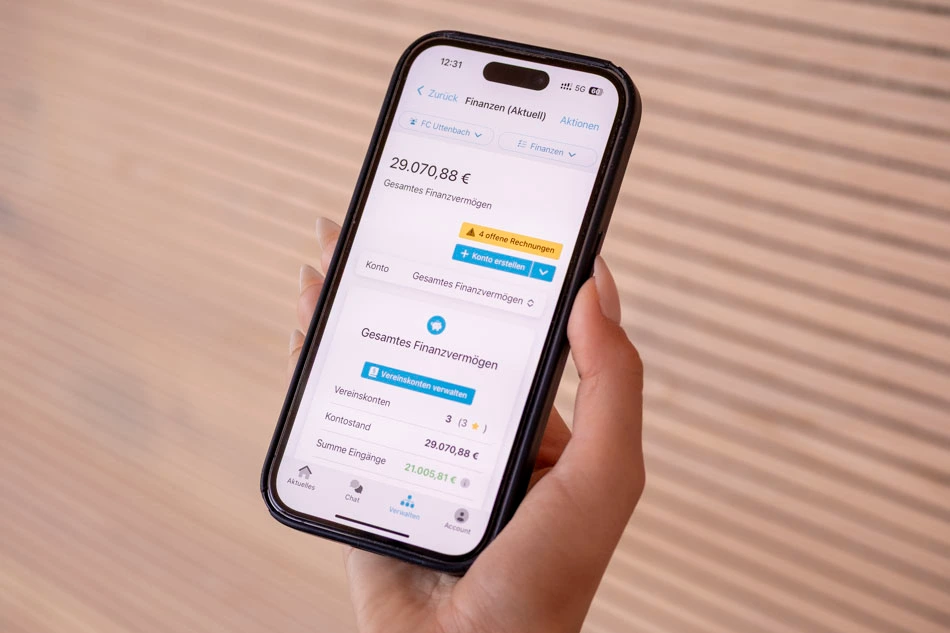
The top priority is certainly to relieve the burden on the club board while ensuring that successful organization and communication remain guaranteed. Managing master data via Excel is usually redundant and tedious to maintain. How many clubs have to start almost from scratch when a board member changes (e.g., where are the sponsor lists, which membership fees are outstanding, and how many active members do we actually have?).
Think of the Vereinsplaner as a handy digital assistant for your day-to-day club life that alerts you, for example, when data is outdated. Once set up, it saves you work and also gives your members the opportunity to be actively involved in club activities through their own account.
Free ePaper on digitalization
We have prepared the most important areas regarding digitalization for clubs and summarized them compactly in an ePaper. Get your club on the right digital track: Continue to ePaper download
In other words: Vereinsplaner supports your organization and offers exciting benefits across various processes and areas of club management. Vereinsplaner is used in the following use cases:
An overview of Vereinsplaner features
To see exactly how Vereinsplaner can make your life easier, check out this dedicated article – Feature overview explained with images.
For a club management tool to be used effectively, it is essential that the software is well-received by the board and club officials. With Vereinsplaner and its underlying permissions system, different users can access different data. Everyone sees exactly what they are supposed to see—all in full compliance with GDPR.
Members also benefit from using Vereinsplaner, whether by participating in club life through polls or receiving automatic appointment reminders. This makes things more convenient for members and adds overall value to their membership.
Want to know the benefits of club management software, especially for medium and large clubs, and how you can use it in your own club? This video answers your questions.
Be part of over 15,000 clubs
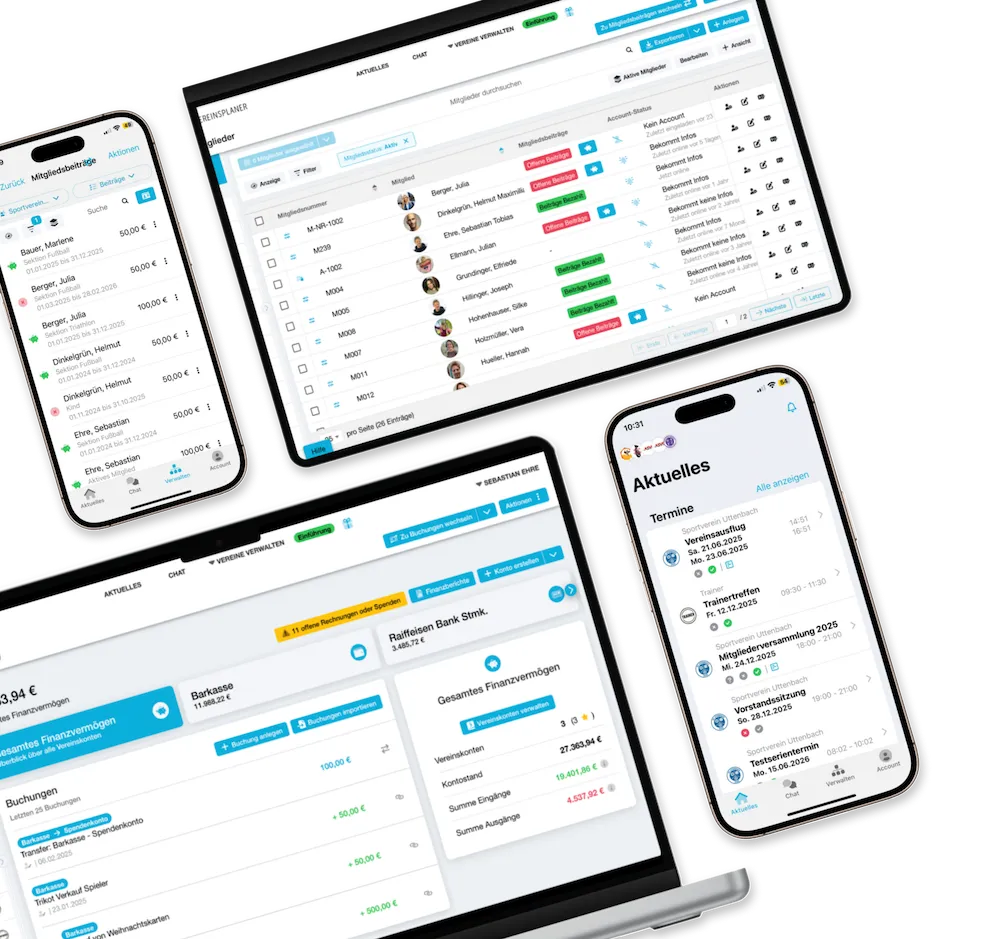
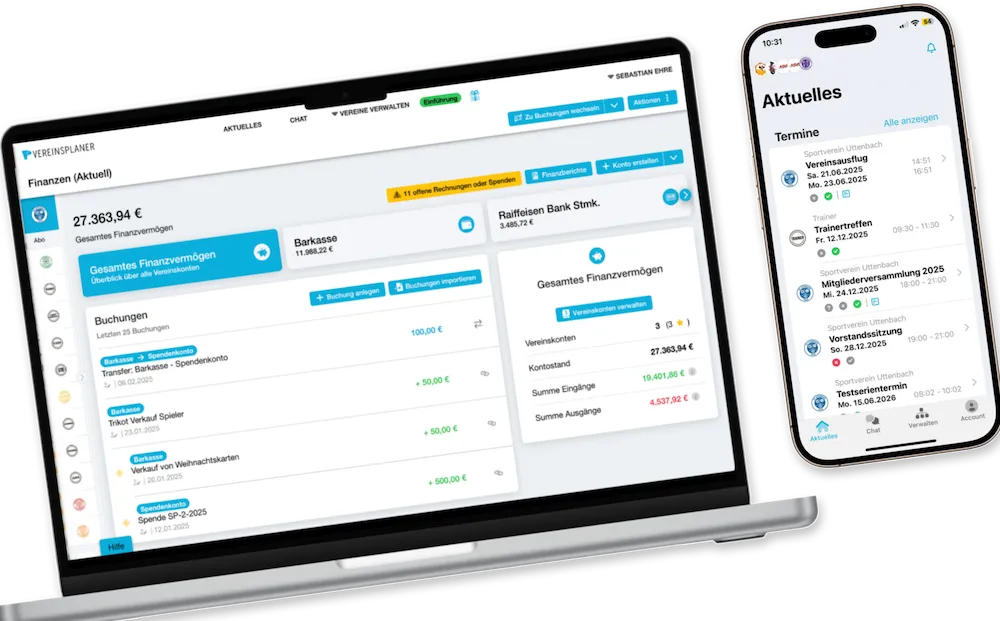
Get your first 6 months free with the code VP30DACH.
Save not only time, but also money!
*Valid when you purchase the first package with a duration of 12 months.
Below, you will learn step-by-step how to set up your club and invite your board colleagues and members. Good luck setting up Vereinsplaner: Getting started with Vereinsplaner
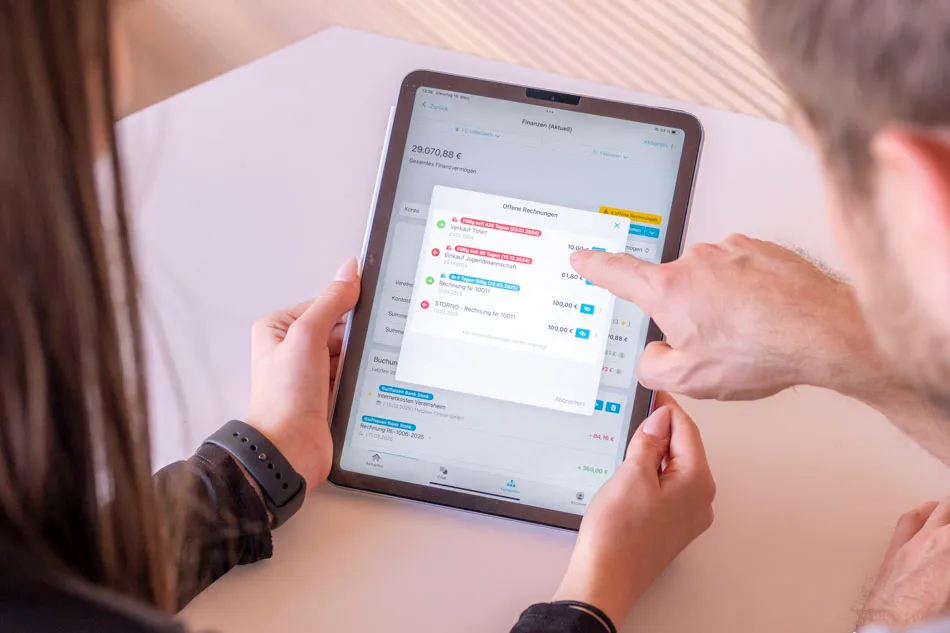
The easiest way to get your members and fellow board members active in Vereinsplaner is to add them using an email address and invite them that way. Once you do, the member simply needs to register with that email address to be instantly added to the club. That’s all there is to it.
Send your members the following link and they will be able to join your club without any issues: Ways to join a club.
When it comes to club management, we always look at the organization as a whole. That’s why we place great importance on ensuring that members also benefit when they sign up for Vereinsplaner. This starts with having a say in club matters, extends to automatic event notifications and reminders, and includes a personalized weekly overview. All of this requires just a few clicks from the member.
If you have any questions about the invitation or registration process, please don't hesitate to contact us at support@vereinsplaner.at. We are constantly working to make the tool even better and more comprehensive – and it works best when you give us feedback, as that ensures your needs are taken into account.